 SnapTune
SIDE BY SIDE
Two photos.
One story.
Favourite moments, before-and-afters and little collections. Bring them together in one picture.
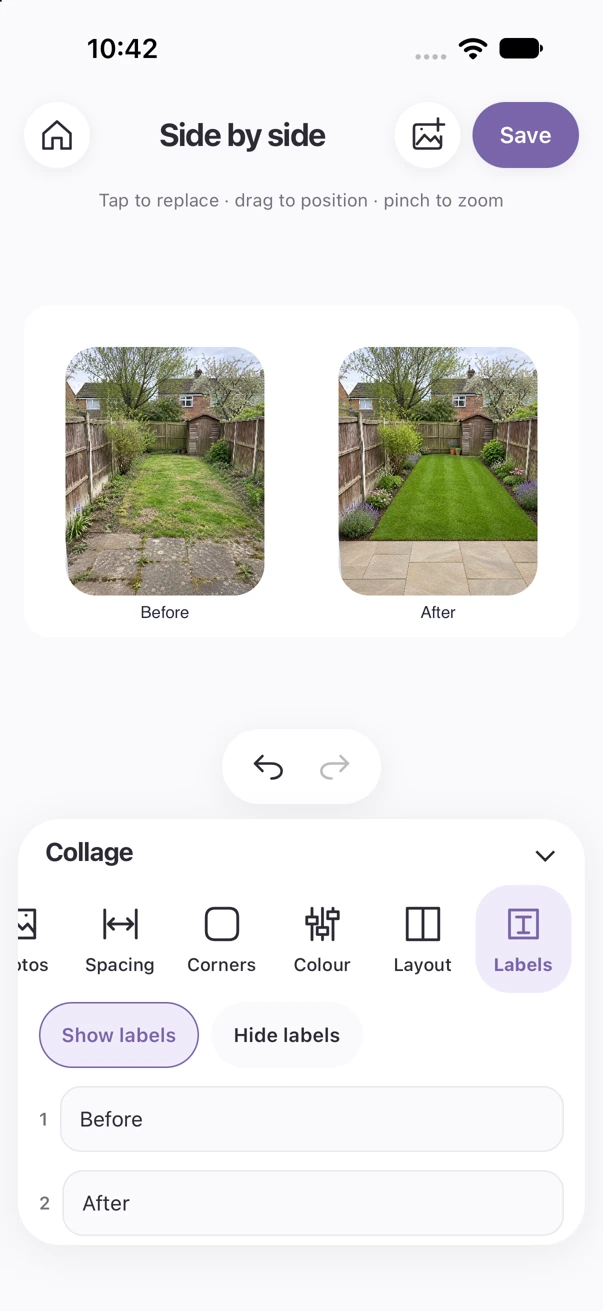
Two photos. One story.
SIDE BY SIDE
Better together.
Bring two favourite moments into one picture. Create a side-by-side collage, put together a before-and-after, or try a stacked or four-photo layout.
- Drag and zoom each photo to find the right fit.
- Choose your spacing, rounded corners and background colour.
- Add your own labels to tell the story.
From a quick comparison to a little collection of favourites. Make it yours, then save it ready to share.
BEFORE. AFTER. SIDE BY SIDE.
A garden.
A fresh start.
Show the difference a project makes. Bring your before-and-after photos together, label each stage and keep the whole story in one picture.
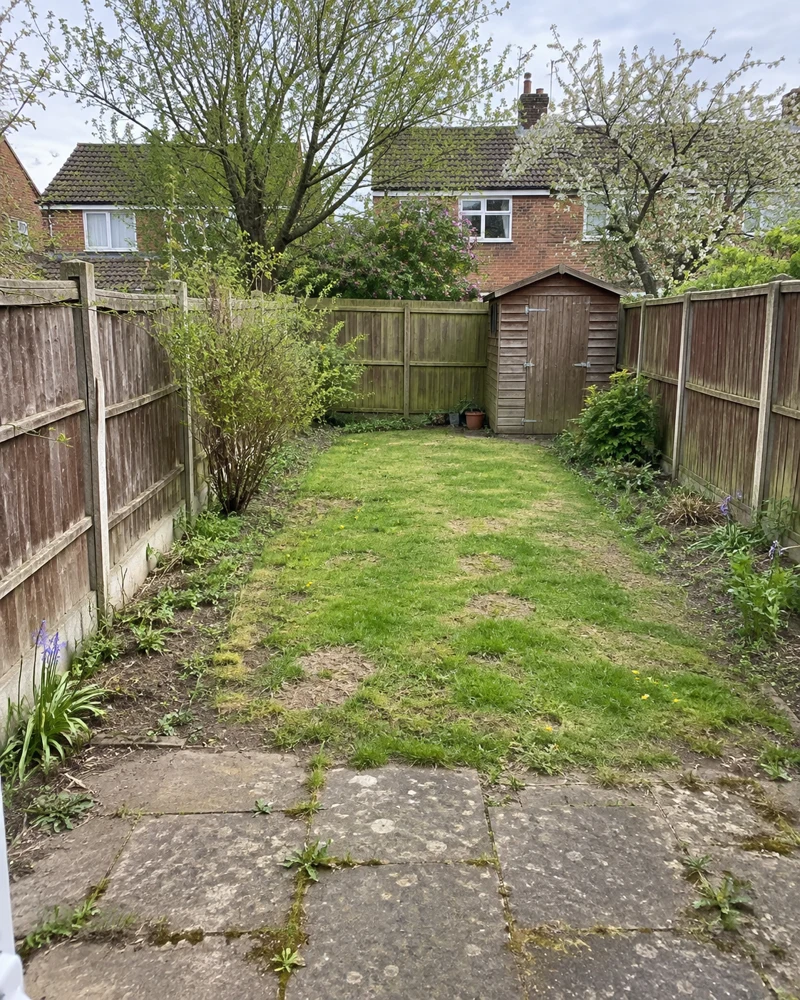
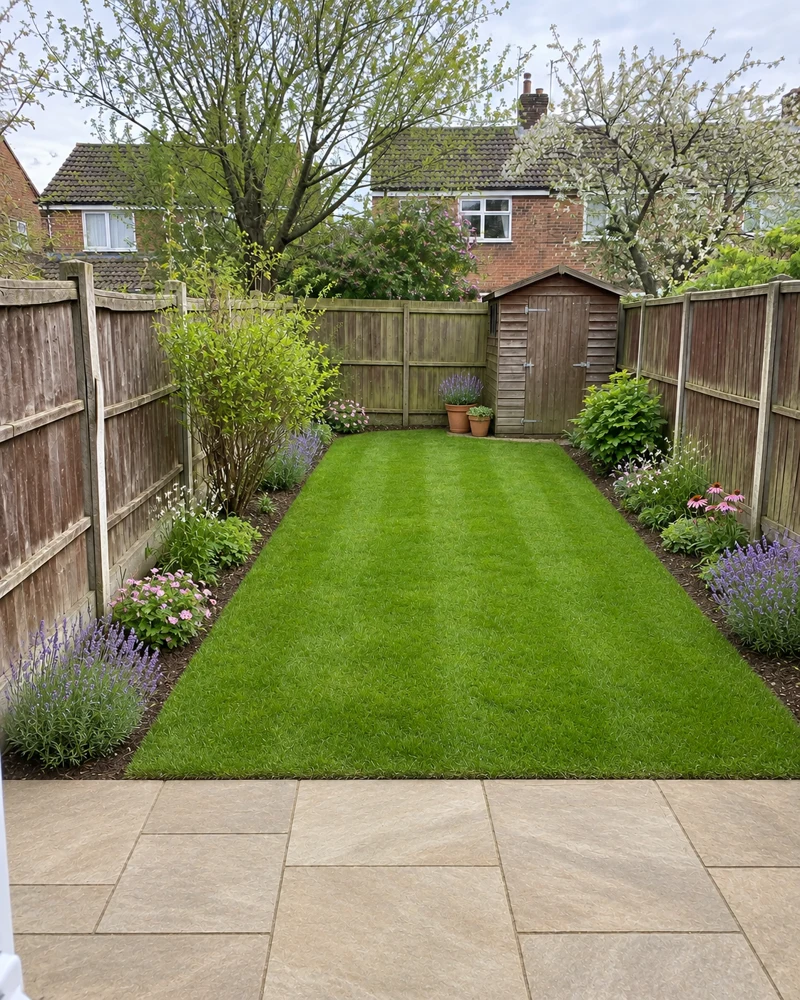
Illustrative garden makeover. SnapTune combines your before-and-after photos.
WATCH SNAPTUNE IN ACTION
Two photos. Your layout.
Watch the garden comparison change between side-by-side and stacked layouts.
Recorded in the iPhone simulator. Edited for length; playback timing is adjusted. Use the player controls to pause or replay. No sound.
ONE APP. THREE WAYS TO CREATE.
£10 once.
No subscription fees.
Coming soon to the App Store for iPhone. Android coming soon.
Coming soon to the App Store