 SnapTune
EDIT PHOTO
A little edit.
A whole new feeling.
Find your light, freshen up your selfies and make your favourite photos feel like you.
A CLOSER LOOK AT EDIT PHOTO
Colour, filters
and finishing touches.
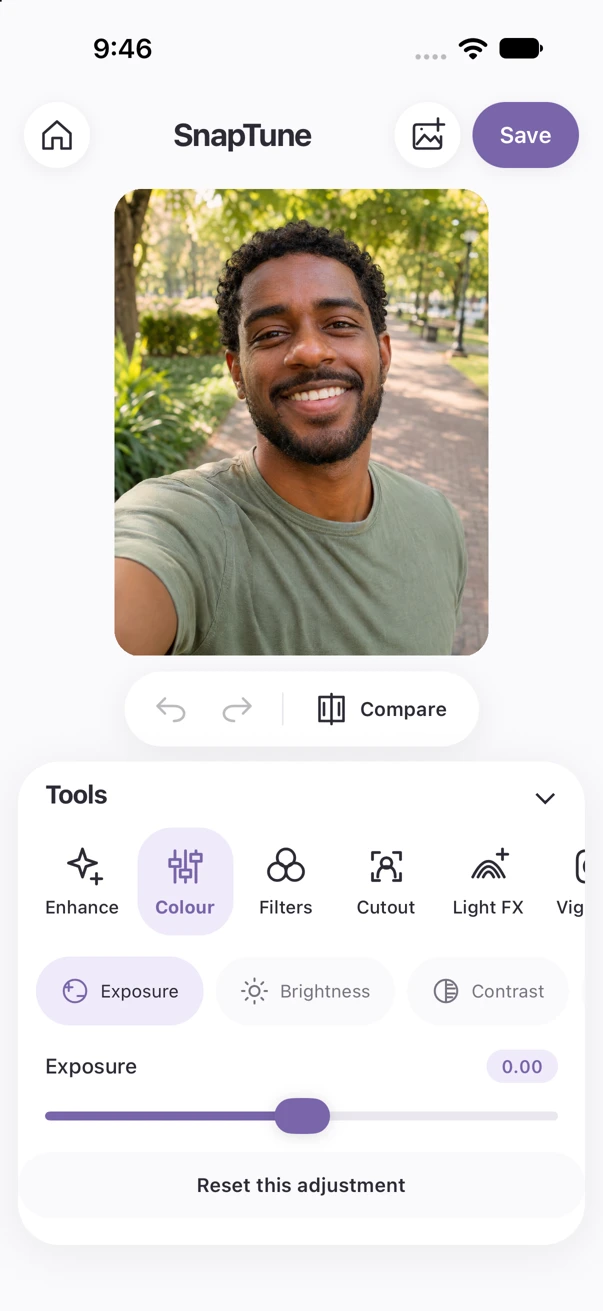
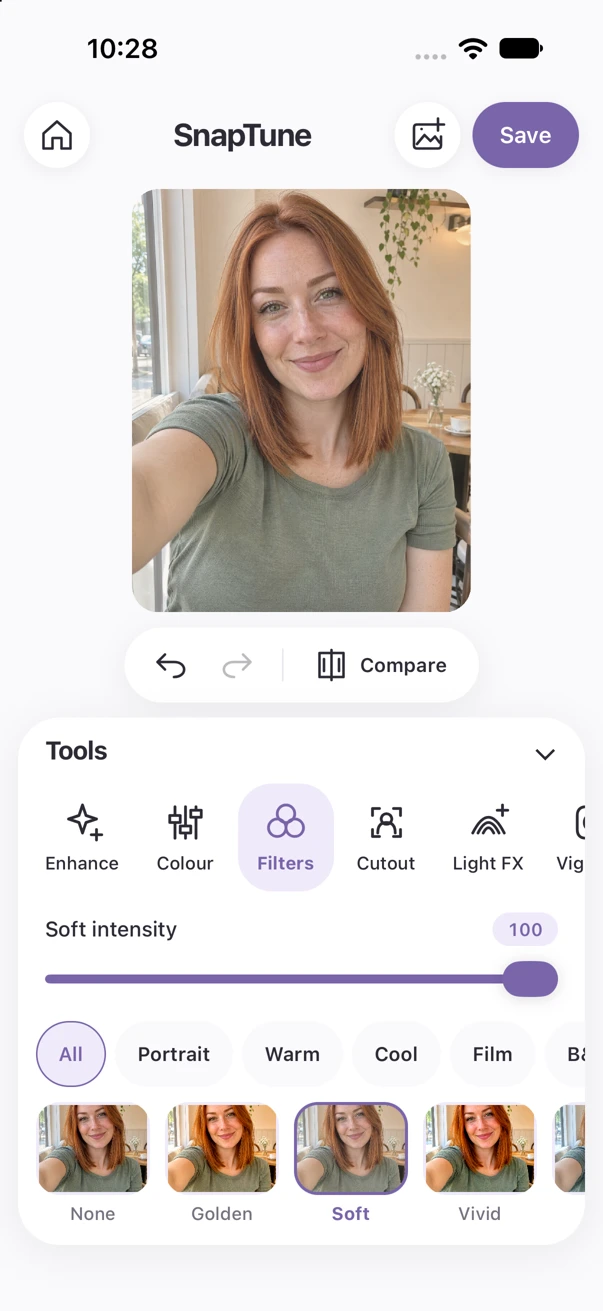
A closer look at the real SnapTune app. Simple controls, room for your photos and plenty of ways to make them yours.
Captured in the current iPhone simulator build. Sample imagery is illustrative.
Set the mood.
Bring your photo into balance with exposure, brightness, contrast, highlights, shadows, saturation, warmth and tint. Explore 40 filters with adjustable intensity, from Golden and Rose to Mono and Noir.
Finish with sharpening, noise reduction, vignette and grain. Crop, straighten, rotate and flip to find the right frame. Perspective and white-balance tools give you extra control.
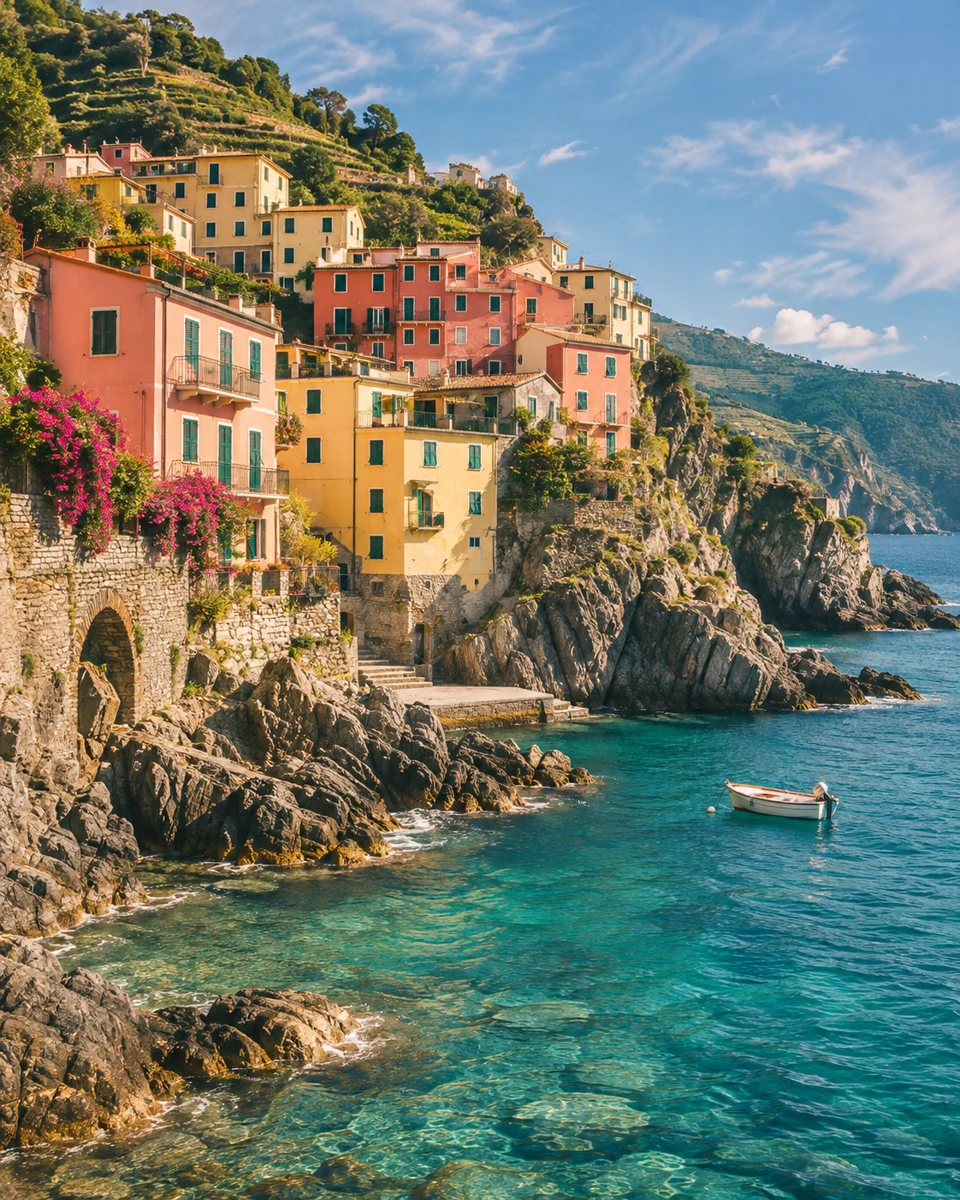 Light. Colour. A little feeling.
A lighter touch.
A cleaner frame.
Touch up small blemishes with Heal, and fine-tune your selfies with Smooth, Tan, Whiten and red-eye correction. Brush and Erase controls let you refine the areas you edit.
Add selective blur or use manual reshape tools for a finishing touch. Undo and comparison help you stay in control.
Start with a light touch and compare as you go. Small adjustments can make all the difference.
Your selfie. Your style.WATCH SNAPTUNE IN ACTION
Try a different mood.
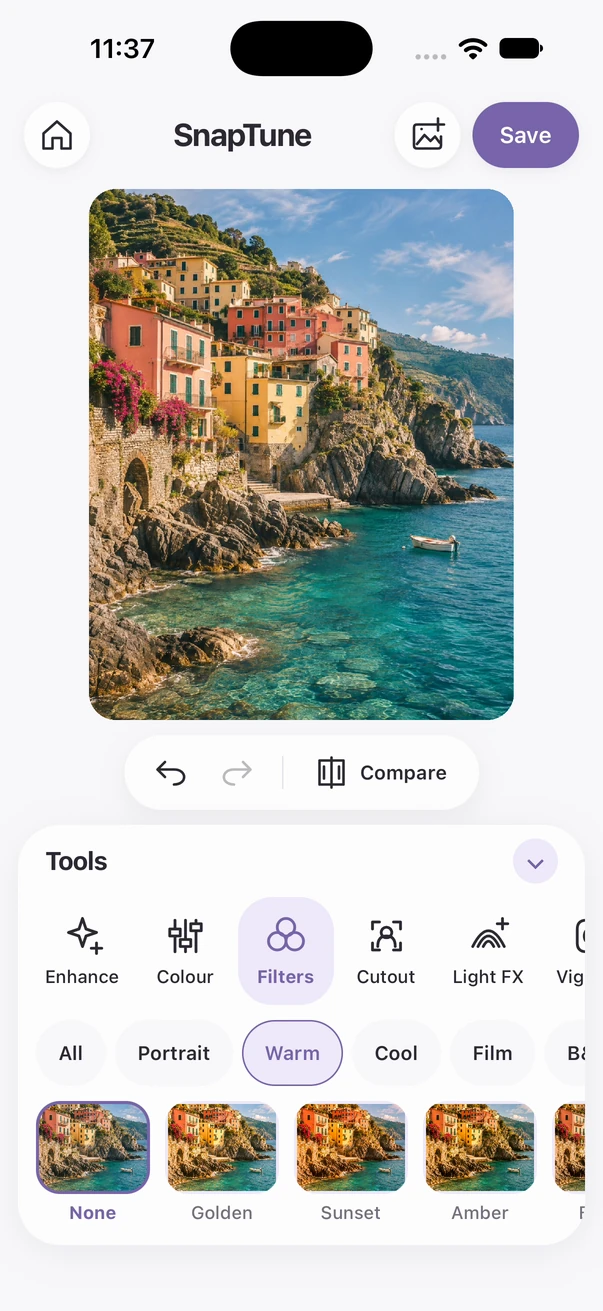
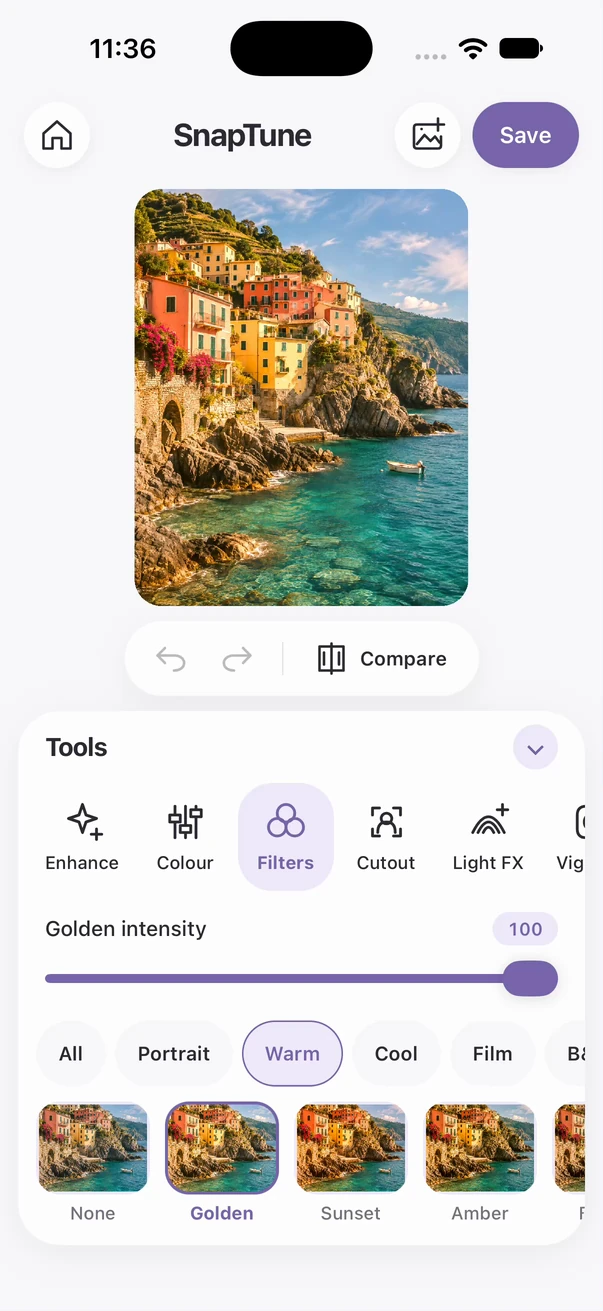
See the same photo with its original colours and the Golden filter.
Recorded in the iPhone simulator. Edited for length; playback timing is adjusted. Use the player controls to pause or replay. No sound.
THE SAME PHOTO. TWO LOOKS.
See the difference.
Original and Golden, captured inside SnapTune with the same photo. The filter changes the colours; it does not change the scene.
ONE APP. THREE WAYS TO CREATE.
£10 once.
No subscription fees.
Coming soon to the App Store for iPhone. Android coming soon.
Coming soon to the App Store