 SnapTune
Start with a moment.
Choose your main photo, then add extra photo layers to bring more of the story into your canvas.
BE CREATIVE
Your photos are just the beginning. Add words, stickers and layers, then see where your imagination takes you.
A little imagination goes a long way.
BE CREATIVE
Start with a photo and see where it takes you. Add a caption, drop in a sticker or bring a few images together in your own design.
A birthday message, a favourite memory or something just for fun. There’s room to put your own spin on it.
FROM A PHOTO TO YOUR OWN DESIGN
Choose your main photo, then add extra photo layers to bring more of the story into your canvas.
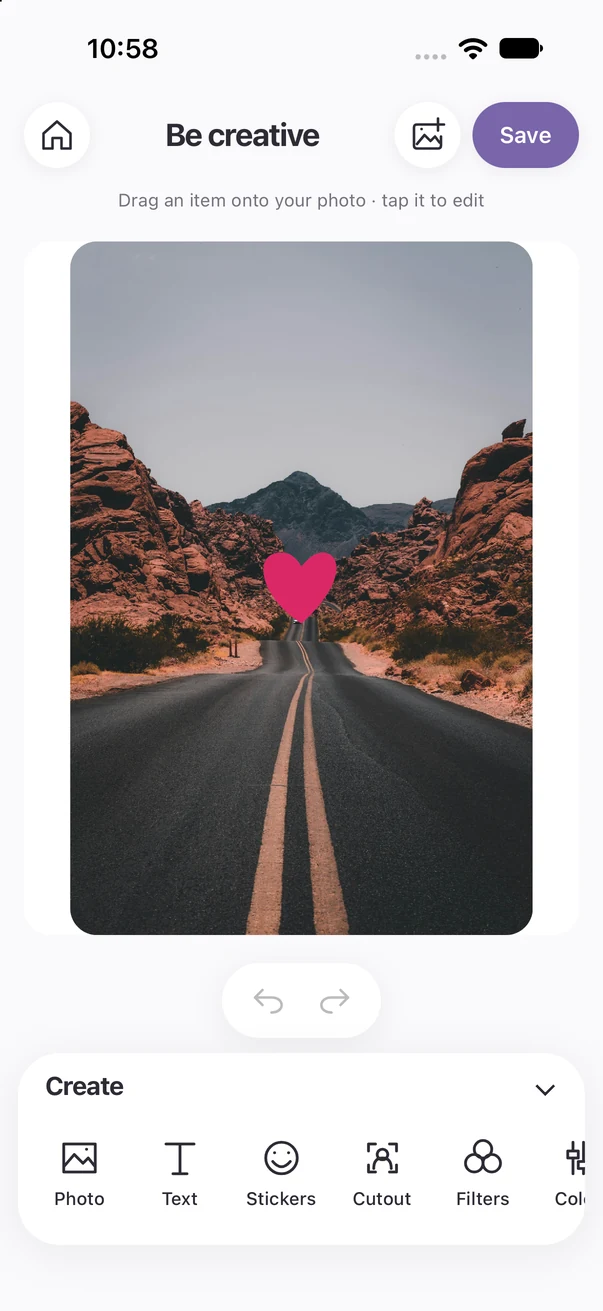
Add text, a speech bubble or a sticker. Move, resize and rotate your layers, and choose the colours that fit.
Try a background or overlay, use Undo as you explore and save your finished creation to Photos.
WATCH SNAPTUNE IN ACTION
Watch a star sticker added and resized on the Creative canvas.
Recorded in the iPhone simulator. Edited for length; playback timing is adjusted. Use the player controls to pause or replay. No sound.
ONE APP. THREE WAYS TO CREATE.
Coming soon to the App Store for iPhone. Android coming soon.
Coming soon to the App Store